BSides Galway 2025 CTF: Packed [Reverse Engineering] WriteUp
Hi, so I participated in the recently held CTF at BSides Galway. I came across few interesting challenges at the CTF and here’s a write up for one of the Reversing Challenges called “Packed”.
So, upon accessing the file we can check the file type and relevant details with:
file package
So as it is an executable file, we’ll grant it the relevant permissions and try to execute the file.

As we can see it prints out some garbage data.
Now, we will check the printable strings in the file with the following command:
strings package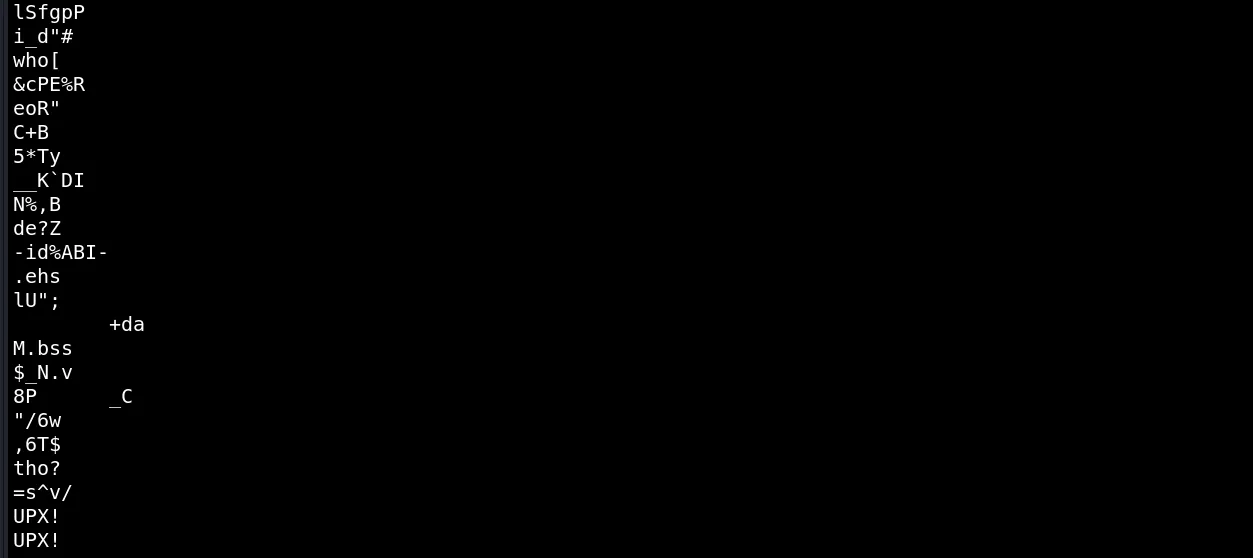
Hmm, interesting stuff. At the end of the output we can see UPX!. Upon a quick Google search we get to know it stands for the Ultimate Packer for eXecutables.
We can quickly install UPX on our system and check how to use it:
upx -h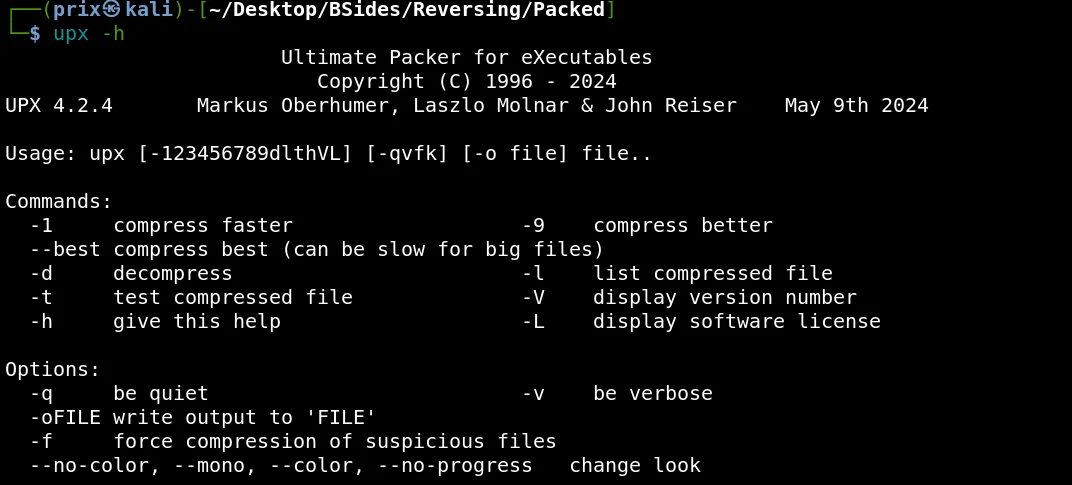
It states if we use the flag -d with upx then we can decompress the file. So doing so gives us the following output:
upx -d package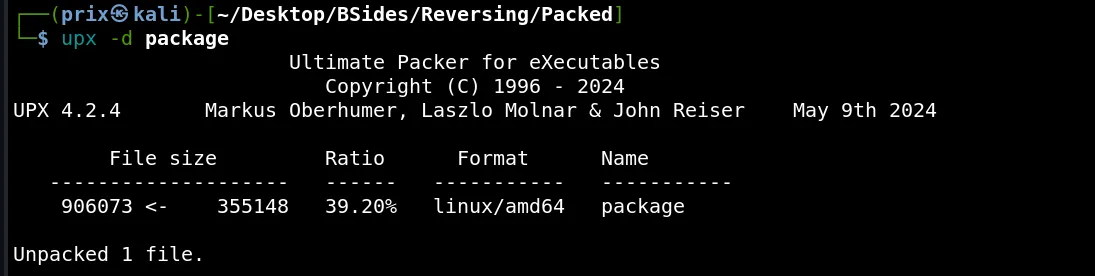
It shows that we’ve successfully unpacked the file. Now again if we try to check printable strings for the file we can see that there is some new data visible:
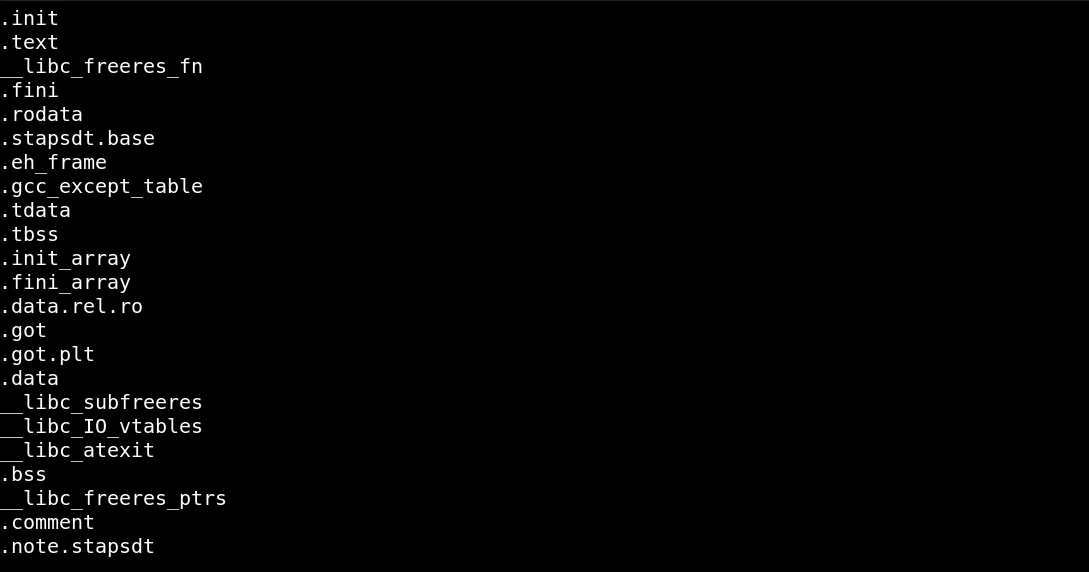
Upon execution of the file, the file still spits out some random data. Now I thought of checking the file in a Reverse Engineering tool. I used BinaryNinja for this challenge.
Upon opening the file in BinaryNinja, I directly tried to view the main function where I felt I might find some information to further find the flag. However, the main function had the flag itself.
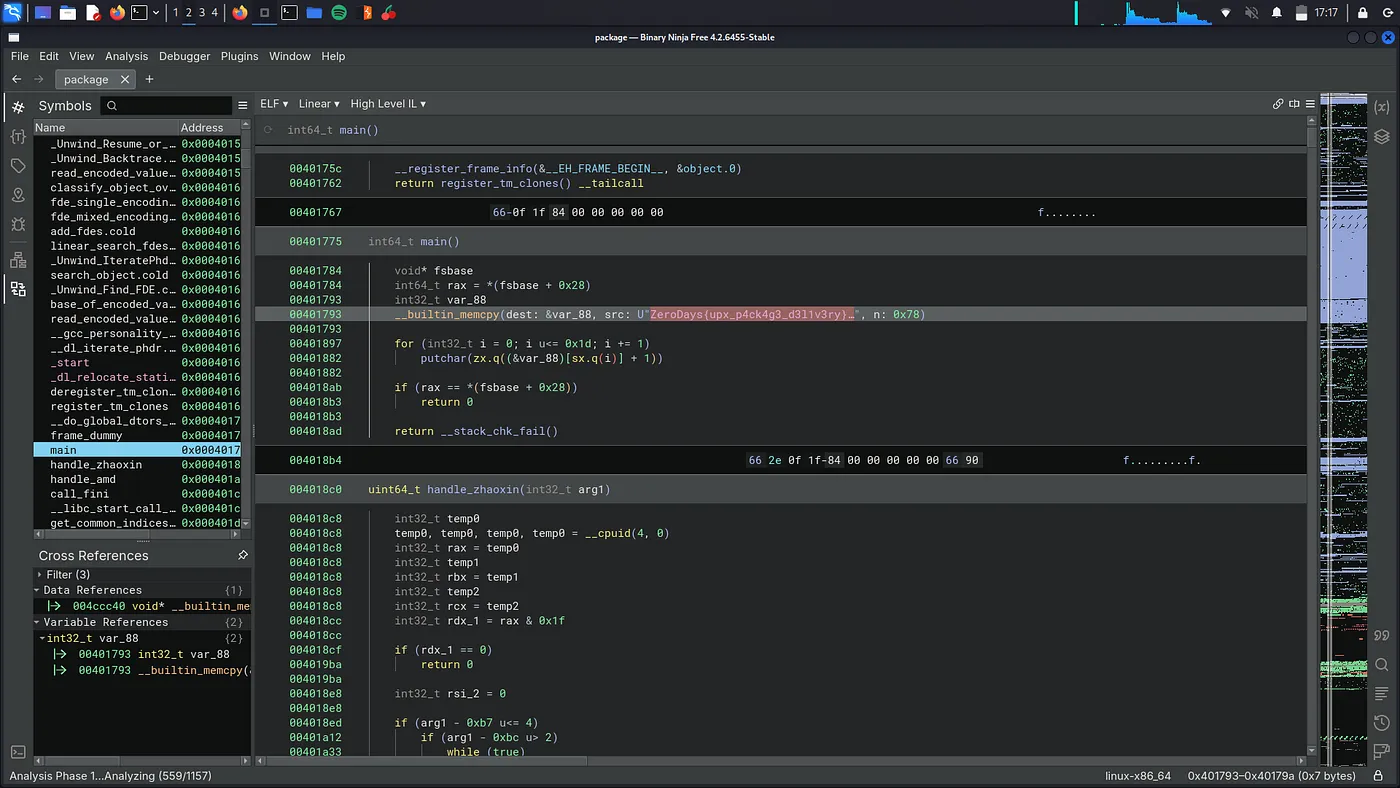
BOOM! Solved.
Flag: ZeroDays{upx_p4ck4g3_d3l1v3ry}
← Back to blog